The warranty is 3 years from the proof of purchase or manufacture date (based on serial number).

GENIUS5
Advanced Diagnostics.

High Voltage
The battery voltage is too high for the selected charge mode. Check the battery and charge mode.

Bad Battery
There is a possible battery short or the battery will not hold a charge. Have the battery checked by a professional.

Reverse Polarity
Charger is connected to the battery in reverse. Reverse the connections.

Standby Mode
The charger is in standby mode or the battery voltage is too low for the charger to detect.

Temperature
All Error LED’s will flash. Internal / external temperature is too high / low. Charger will resume once the temperature is back within operating limits.
GENIUS5
Advanced Charging.

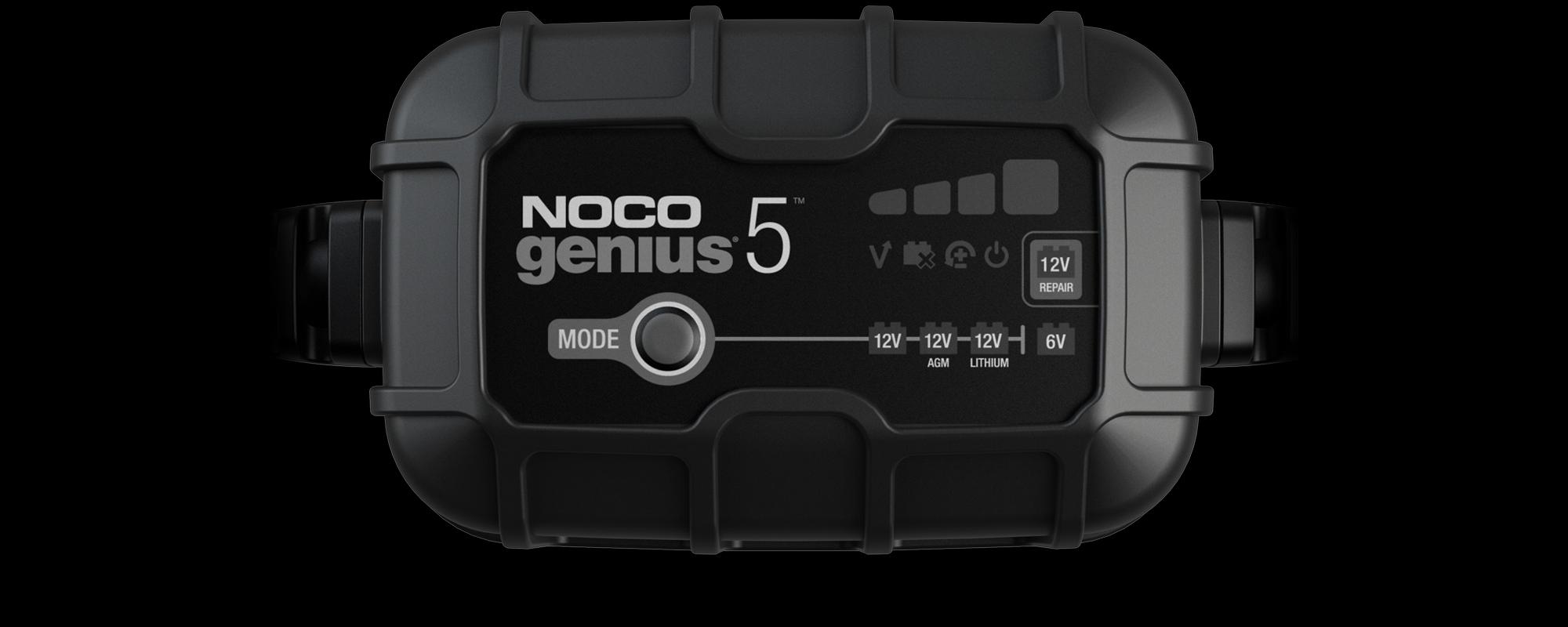
12V Mode
Used for 12V wet cell, gel, enhanced flooded, maintenance- free, & calcium batteries.

12V AGM Mode
Used for 12V AGM batteries.

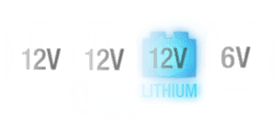
12V Lithium Mode
Used for 12V lithium- ion batteries (including lithium iron phosphate). Only for batteries with Battery Management Systems (BMS).

6V Mode
Used for 6V wet cell, gel, enhanced flooded, maintenance-free, & calcium batteries.

12V Repair Mode
Used to repair old, idle, damaged, stratified, or sulfated batteries.
Force Mode
Used to charge batteries below 1V. All charge mode LED’s will flash and the selected mode will illuminate.
GENIUS5
Charge Levels.

25% Charged
Pulsing Red 25% - The battery is less than 25% charged.

50% Charged
Pulsing Red 50% - The battery is less than 50% charged.

75% Charged
Pulsing Orange - The battery is less than 75% charged.

100% Charged
Pulsing Green - Bulk Charge complete, optimizing battery for extended life.

Maintenance
Slow Pulsing Green - After the battery is fully charged, the charger will continue to provide ongoing maintenance and optimization until disconnected.
VIDEOS
How to change modes on your NOCO GENIUS5
Learn how to change charging modes on your NOCO GENIUS5 Smart Battery Charger. Easily switch between Standby, 12V, 12V AGM, 12V Lithium, 6V and 12V Repair.
Learn how to use force mode on your NOCO GENIUS5 Smart Battery Charger. Manually begin charging batteries below 1-volt.
More Videos
DO MORE WITH GENIUS
ACCESSORIES.
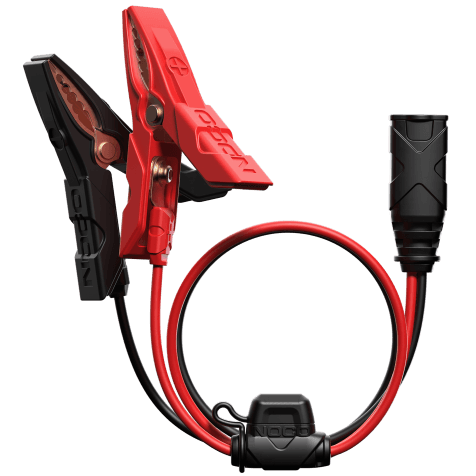
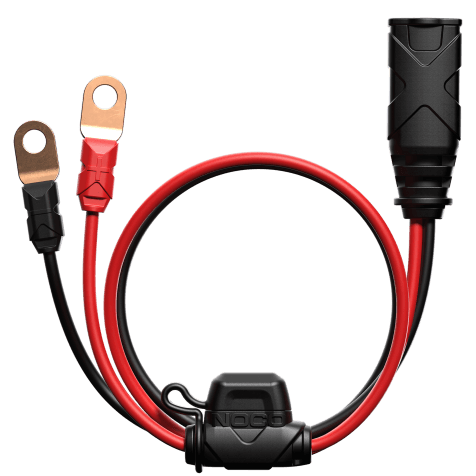
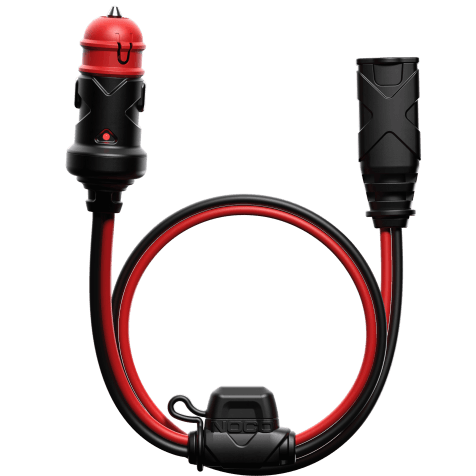
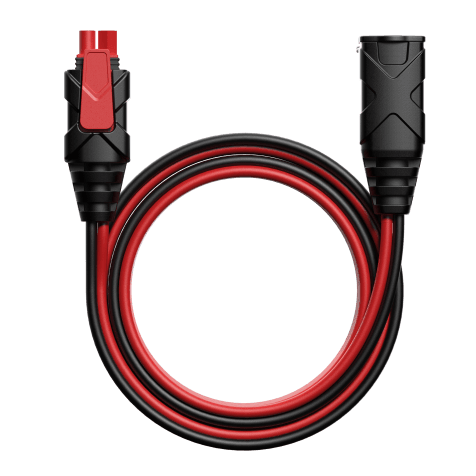
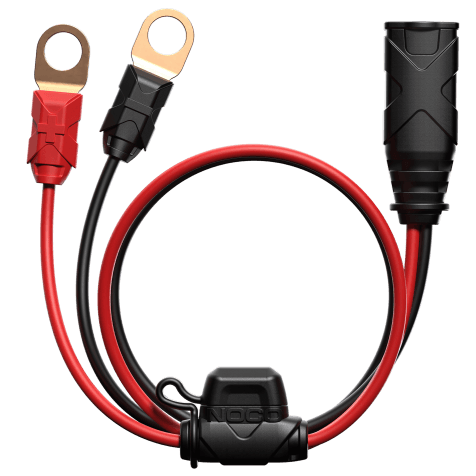
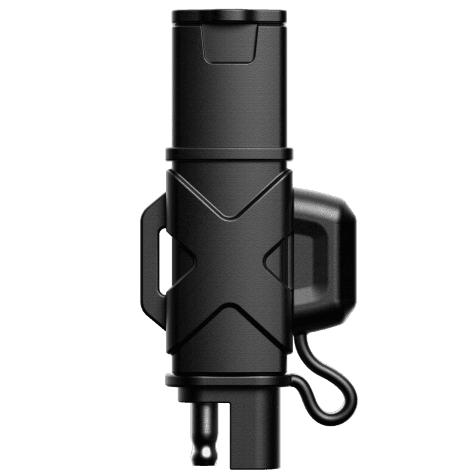
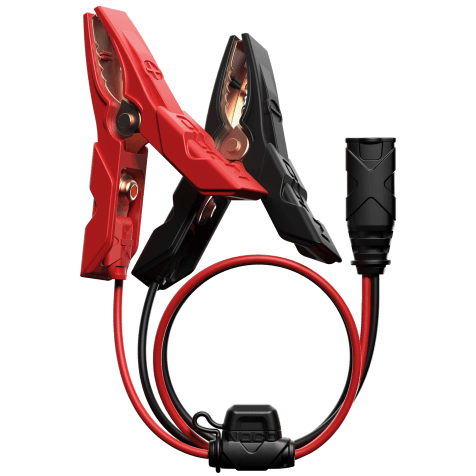
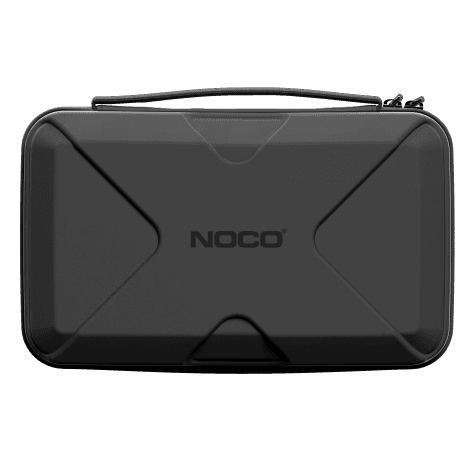
NOCO GENIUS Battery Chargers are compatible with a variety of accessories to expand your capabilities. Get complete protection with the universal EVA protection case for GENIUS. The following X-Connect accessories are compatible with the all-new GENIUS series:
Cookies On This Site
Our website uses cookies, pixels, and similar technology (“Cookies”) to make the website work and to improve your online experience. Cookies that are essential for the functioning of our website are always active and cannot be turned off. With your consent, however, we may also use non-essential Cookies to improve user experience, personalize advertisements, and analyze website traffic. By clicking “Accept All,” you consent to our use of all Cookies, including these non-essential Cookies. You may block non-essential Cookies by clicking “Reject,” or change your cookie settings by clicking “Preferences.”
By using our website, you acknowledge this notice, and by clicking “Accept All,” “Reject,” or “Preferences,” you agree to our Website Terms of Use. See our Cookie Policy and Privacy Policy to learn more.