
Videos
Overview of the NOCO Boost GB50
More Videos
GB50
HOW TO JUMP START.

ATTACH CLAMPS.

POWER ON.

START VEHICLE.

POWER OFF.
Or power off/on to reset.
GB50
LEDs
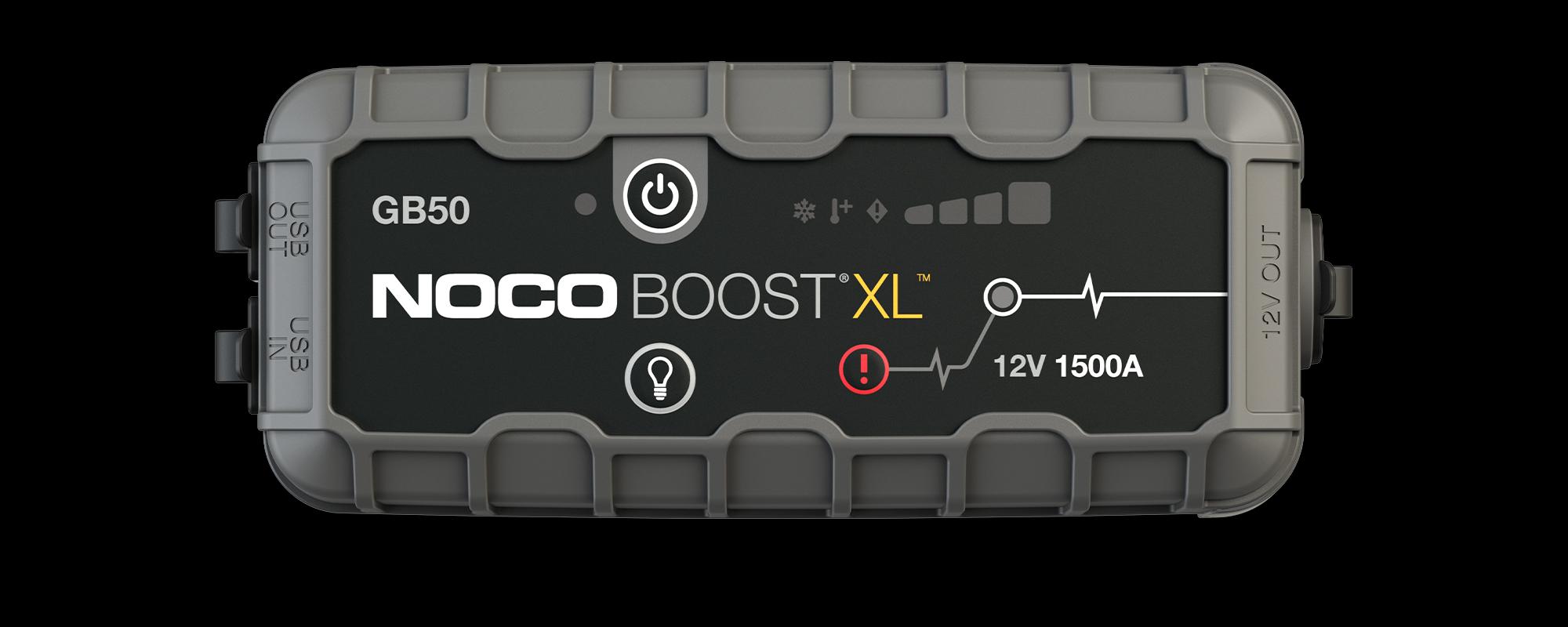

Power LED
Illuminates White when unit is "on".

Cold LED
Illuminates solid Blue; approaching lower temperature limit. Flashing Blue; unit is too cold to jump start.

Hot LED
Illuminates solid Red; approaching upper temperature limit. Flashing Red; unit is too hot to jump start.

Error LED
Illuminates Red if reverse polarity is detected.

Charge LEDs
Indicates the charge level of the internal battery.

Boost LED
Illuminates White when Boost is active. LED flashes White when Manual Overide feature is active.
GB50
Buttons
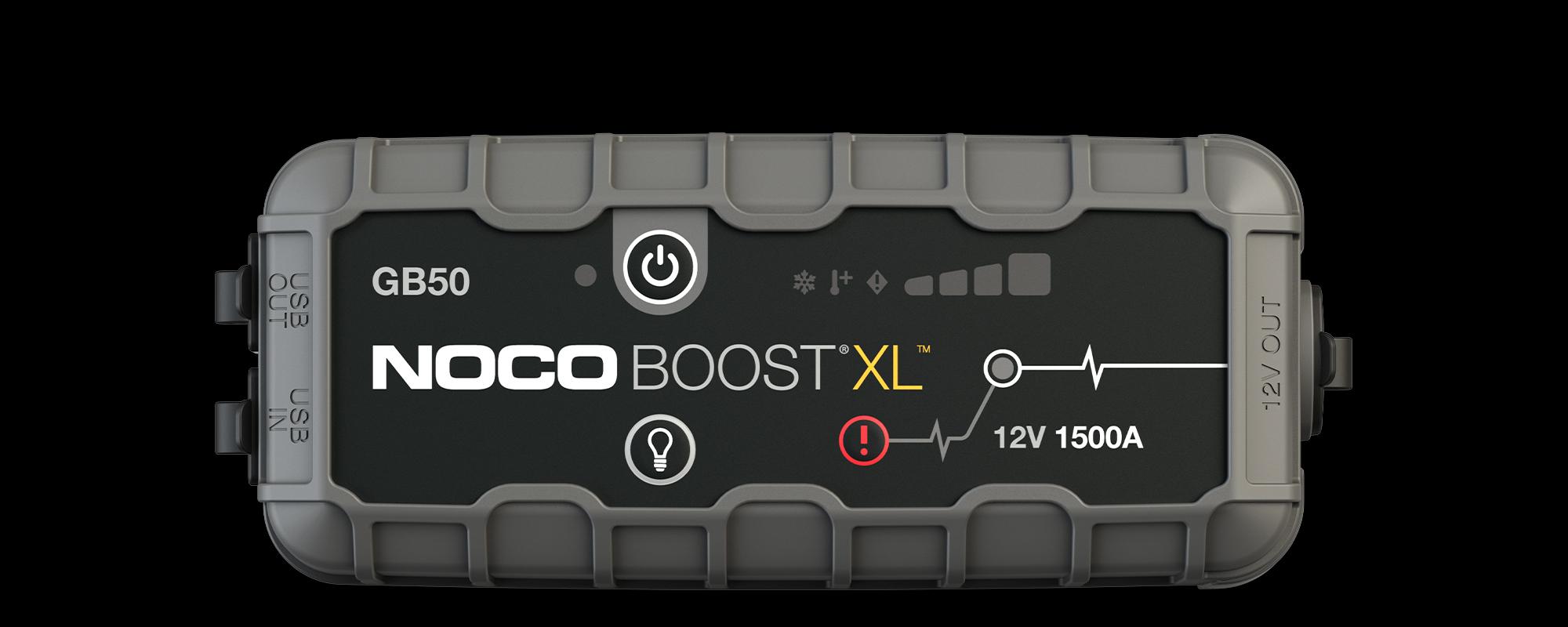

Power Button
Push to turn unit "on" and "off".

Light Mode
Toggles the ultra-bright LED light through 7 light modes: 100% > 50% > 10% > SOS > Blink > Strobe > Off

Manual Override
To enable, push and hold for three (3) seconds. WARNING: Disables safety protection and manually forces Boost "On". Only for use when a battery is too low to be detected.
Boost
TROUBLESHOOTING.
ERROR
REASON / SOLUTIONS

Error LED: Solid Red
Reverse polarity/Reverse the battery connections.
Error LED: Blinking Red w/Cables Connected Properly
The internal battery is too hot/ Allow the unit to cool. Bring the unit into cooler environment.
Boost Light Does Not Come On w/Cables Connected Properly
Connected battery is below 2-volts/ Remove all loads, and try again, or use Manual Override Mode.

GB50
MANUAL OVERRIDE
PUSH AND HOLD FOR 3 SECONDS.
WARNING: Disables safety protection and manually forces Boost “On”. Only for use when a battery voltage is too low to be detected.
Connect, Charge, and Store.
GB50 Accessories
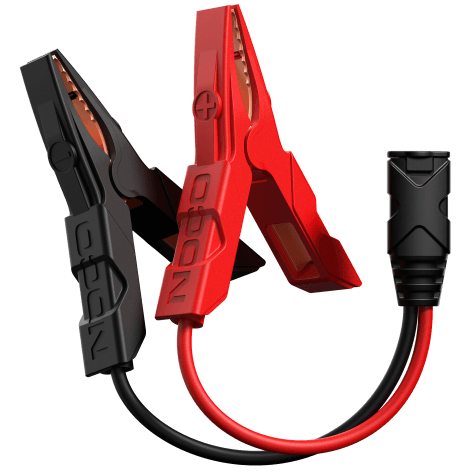
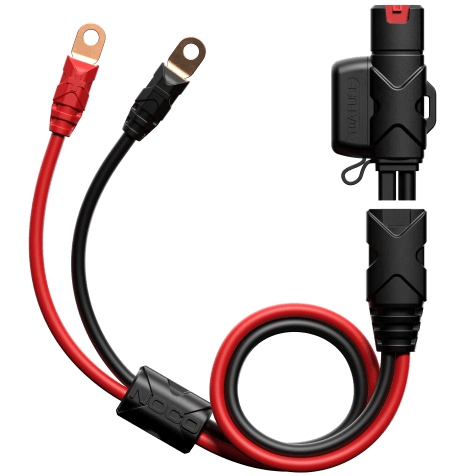
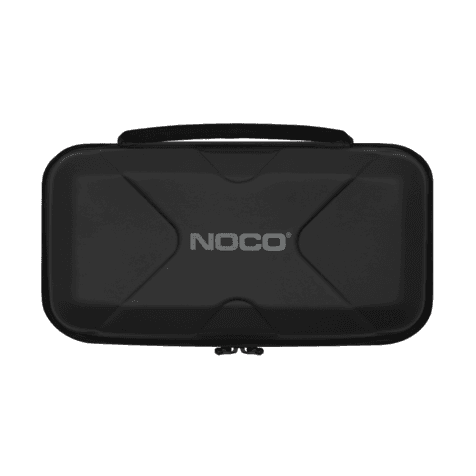
The GB50 is compatible with an array of NOCO accessories. Connect to your battery by mounting the GBC007 eyelets, or charge more quickly with the NUSB211NA charging adapter. Store and protect your GB50 with the GBC017.
Cookies On This Site
Our website uses cookies, pixels, and similar technology (“Cookies”) to make the website work and to improve your online experience. Cookies that are essential for the functioning of our website are always active and cannot be turned off. With your consent, however, we may also use non-essential Cookies to improve user experience, personalize advertisements, and analyze website traffic. By clicking “Accept All,” you consent to our use of all Cookies, including these non-essential Cookies. You may block non-essential Cookies by clicking “Reject,” or change your cookie settings by clicking “Preferences.”
By using our website, you acknowledge this notice, and by clicking “Accept All,” “Reject,” or “Preferences,” you agree to our Website Terms of Use. See our Cookie Policy and Privacy Policy to learn more.