Quick Start Guide
To ensure maximum performance and wireless charging outputs, this device requires a minimum 35W USB-C PD power supply.

insert regional adapter.

plug usb-c cable into adapter.

plug usb-c cable into dock.
Ensure the connector is fully inserted.

charge devices.
Connect compatible devices.
Device Compatibility
Qi2-Certified Charging
For use with iPhone 12 and later, select AirPods models, Google Pixel 10 series, Galaxy S25 series, Qi-compatible wireless earbuds, and other Qi2-certified devices.
See Full Device ListOfficial Apple Watch Charger
For use with Apple Watch Series 1-10, including SE and Ultra models.
See Full Device ListQi Compatible Charging
For use with select AirPods models, certain wireless earbuds, and additional Qi-compatible devices.
See Full Device List
XDS3W
Alignment.
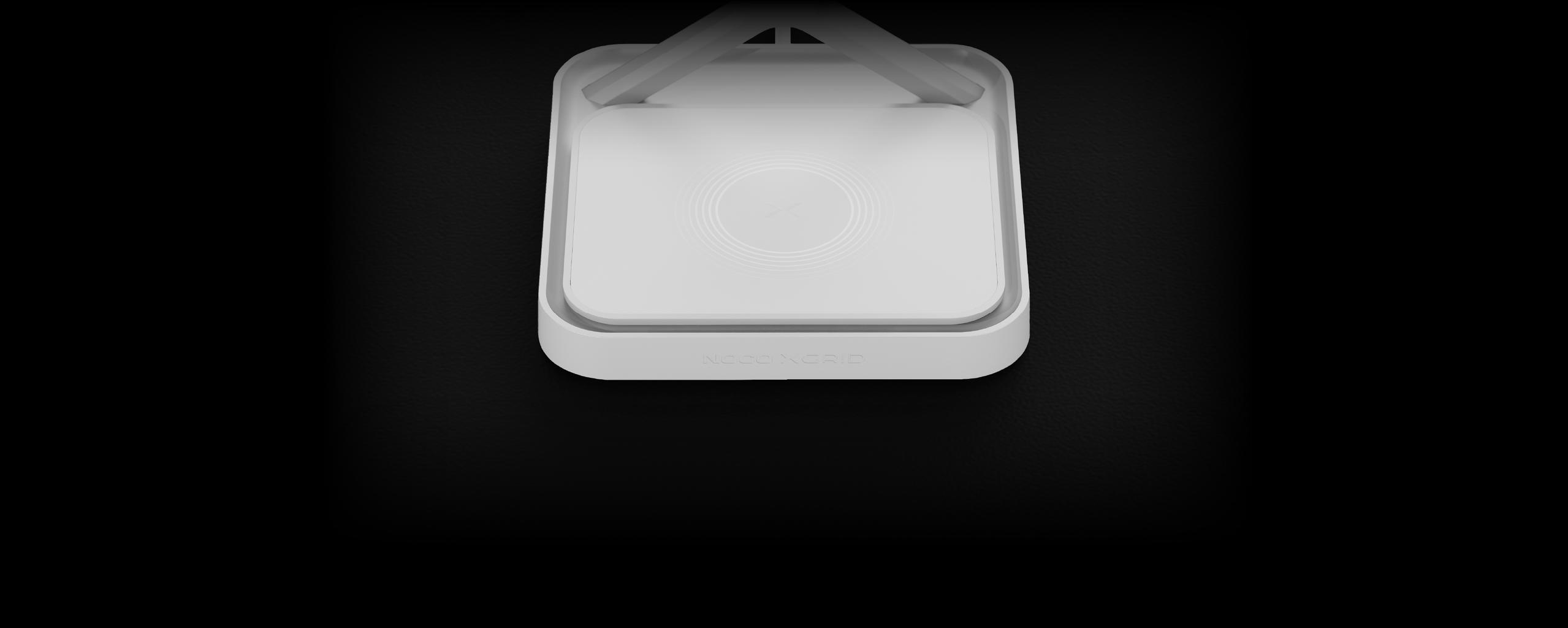
For best results, align devices on the center of the charging pad. The ‘X’ indicates the center of the charging pad. The foreign object detection LED indicator may illuminate if a device is not aligned with the charging coil.
LEDs


No Charge
No light means no device is charging on the center pad. Check that the connector is fully inserted.

Charging
A solid white light shows when a device is correctly charging. This LED only corresponds to the center charging pad.

Foreign Object Detection
A solid amber light means the device is misaligned with the charging coil or a foreign object is present. Place the device on the center ‘X’ of the pad; normal function will resume once the object is removed.

Under-Powered
A pulsing amber light indicates the dock is receiving insufficient power. This happens when connected to an adapter that cannot supply enough output for all pads. In this state, power is split until a 35W adapter is used to restore full charging.

Under-Powered and Charging
Alternating amber and white light means a device is charging while the dock is under-powered. Connect the dock to a minimum 35W adapter to restore full charging capability.
XGrid Docks
FAQ
Charging
Troubleshooting
Specs & Features
Warranties & Registrations
Yes. The Qi2 charging pad includes built-in magnetic alignment, so MagSafe-enabled iPhones (iPhone 12 and newer) snap into place for a secure and efficient charge.
Qi2 is the next-generation wireless charging standard from the Wireless Power Consortium (WPC). It offers faster speeds (up to 15W), more efficient power transfer, and uses magnetic alignment (like MagSafe) to ensure your phone charges securely and reliably.
All Qi2 certified iPhones (iPhone 12 and newer) support magnetic alignment and up to 15W charging. Other Qi-compatible iPhones (iPhone 8 and newer) will also charge, but without magnetic snap or full 15W speeds. Any smartphone that is Qi2 certified is also compatible.
Supports fast charging for Apple Watch Ultra 2, Apple Watch Ultra, and Apple Watch Series 7 or later. Supports standard charging speeds for Apple Watch Series 6 or earlier.
AirPods pro 3, AirPods Pro 2, AirPods Pro with wireless charging case, AirPods 4 with ANC, AirPods 3rd gen with wireless charging case, and AirPods 2nd gen with wireless charging case are all supported. Other Qi-enabled earbuds from different brands will also charge.
Yes. The dock features built-in over-current, over-voltage, and temperature protection. Once your devices are fully charged, it automatically reduces power to prevent overcharging.
Yes, as long as your case is Qi2/MagSafe compatible and under 3–4mm thick. Metal cases, pop sockets, or non-MagSafe accessories may interfere with charging.
For best performance, use a 35W (or higher) USB-C PD power adapter. A lower wattage adapter may reduce charging speed or limit simultaneous charging.
No, as long as you’re using a recommended 35W or higher adapter. Each charging module delivers its full rated power simultaneously
Yes. The Qi2 charging pad includes built-in magnetic alignment, so MagSafe-enabled iPhones (iPhone 12 and newer) snap into place for a secure and efficient charge.
Qi2 is the next-generation wireless charging standard from the Wireless Power Consortium (WPC). It offers faster speeds (up to 15W), more efficient power transfer, and uses magnetic alignment (like MagSafe) to ensure your phone charges securely and reliably.
All Qi2 certified iPhones (iPhone 12 and newer) support magnetic alignment and up to 15W charging. Other Qi-compatible iPhones (iPhone 8 and newer) will also charge, but without magnetic snap or full 15W speeds. Any smartphone that is Qi2 certified is also compatible.
Supports fast charging for Apple Watch Ultra 2, Apple Watch Ultra, and Apple Watch Series 7 or later. Supports standard charging speeds for Apple Watch Series 6 or earlier.
AirPods pro 3, AirPods Pro 2, AirPods Pro with wireless charging case, AirPods 4 with ANC, AirPods 3rd gen with wireless charging case, and AirPods 2nd gen with wireless charging case are all supported. Other Qi-enabled earbuds from different brands will also charge.
Yes. The dock features built-in over-current, over-voltage, and temperature protection. Once your devices are fully charged, it automatically reduces power to prevent overcharging.
Yes, as long as your case is Qi2/MagSafe compatible and under 3–4mm thick. Metal cases, pop sockets, or non-MagSafe accessories may interfere with charging.
For best performance, use a 35W (or higher) USB-C PD power adapter. A lower wattage adapter may reduce charging speed or limit simultaneous charging.
No, as long as you’re using a recommended 35W or higher adapter. Each charging module delivers its full rated power simultaneously
When placed correctly, your device will show its charging indicator (battery icon or charging animation). When using the center charge area for AirPods or other Qi-compatible devices, a smart LED indicator will illuminate to indicate that your device is charging.
Some Apple Watch bands can cause the watch to rotate when unclasped. To reduce unwanted rotation, it’s recommended to clasp your watch band before charging.
It’s normal for devices to get warm during wireless charging, especially when using fast charging. The dock includes temperature regulation to keep your devices within safe limits.
The XGrid charging docks are purposefully weighted for stability and a premium feel.
| XGrid Docks | 2.09 lbs |
| XGrid Pads | 1.87 lbs |
Yes. The Qi2 pad uses magnetic alignment to securely attach Qi2/MagSafe-compatible devices, ensuring optimal charging efficiency and stability.
Yes. Your purchase comes with a 45W USB-C power adapter with a international swappable plug set, and a 2-Meter USB-C Cable are both included, giving you everything you need to charge right out of the box!
The dock operates silently. A subtle indicator light may show charging status, but it is designed to be soft and sleep-friendly.
This product has a 3 year warranty.
The serial number is engraved in the recessed area for the usb-c input port. See Locating the Serial Number on XGrid Docks
XDS3W
3 Year Warranty
All NOCO XGrid Wireless Charging Stands come with a limited 3 Year warranty. Register your product after purchasing to qualify for the applicable warranty.
My Products
View “My Products” to view user guides, access warranties, and register your NOCO products.
Register A Product
Registering will add a product to your account and activate your limited warranty.
Contact Support
Have questions? Send a message, request a callback, or chat with our support team.
Monday through Friday
8 AM–7 PM EST.
Locating the Serial Number
Find the serial number on your NOCO product to complete your registration and activate your warranty.
Cookies On This Site
Our website uses cookies, pixels, and similar technology (“Cookies”) to make the website work and to improve your online experience. Cookies that are essential for the functioning of our website are always active and cannot be turned off. With your consent, however, we may also use non-essential Cookies to improve user experience, personalize advertisements, and analyze website traffic. By clicking “Accept All,” you consent to our use of all Cookies, including these non-essential Cookies. You may block non-essential Cookies by clicking “Reject,” or change your cookie settings by clicking “Preferences.”
By using our website, you acknowledge this notice, and by clicking “Accept All,” “Reject,” or “Preferences,” you agree to our Website Terms of Use. See our Cookie Policy and Privacy Policy to learn more.